

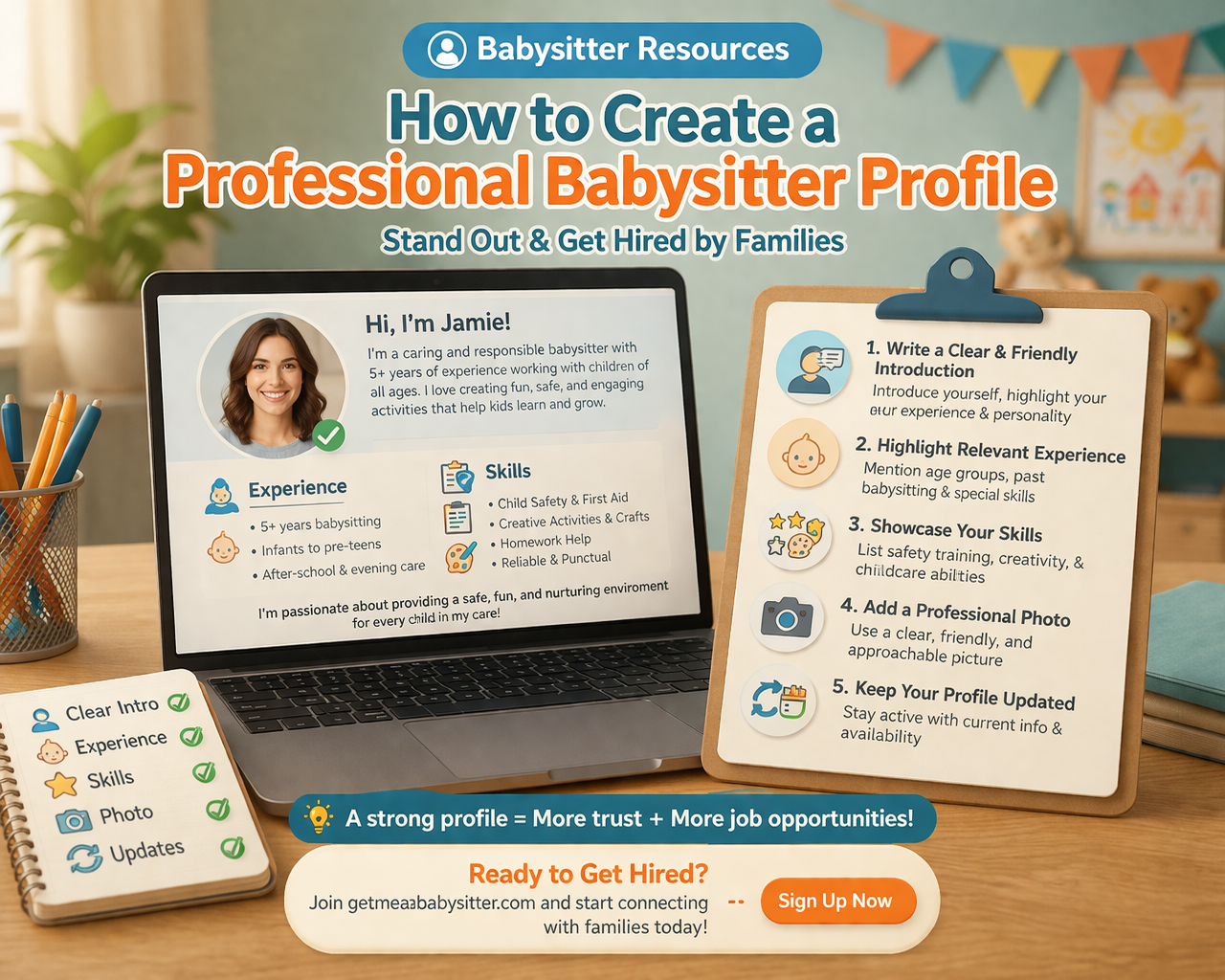
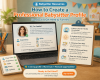
Babysitter Resources: How to Create a Professional Babysitter Profile
A well-crafted babysitter profile is one of the most important tools for getting hired by families. Parents often rely on profiles to decide who they can trust with their children, so making a strong first impression is essential.
Whether you are new to babysitting or looking to improve your profile, these tips will help you stand out and attract more opportunities.
1. Write a Clear and Friendly Introduction
Your introduction is the first thing parents will read. Make it simple, warm, and professional.
- Introduce yourself briefly
- Mention your experience with children
- Highlight your strengths and personality
- Keep the tone friendly and confident
A strong introduction builds trust immediately.
2. Highlight Relevant Experience
Parents want to know about your childcare experience.
- Mention babysitting or childcare experience
- Include age groups you are comfortable with
- Share any special skills like tutoring or activity planning
Clear experience details help parents make informed decisions.
3. Showcase Your Skills
Listing your skills makes your profile more appealing.
- Child safety awareness
- First aid knowledge
- Communication skills
- Creativity and activity planning
4. Add a Professional Profile Photo
A good profile photo increases trust and visibility.
- Use a clear and friendly photo
- Dress appropriately
- Smile and look approachable
Profiles with photos are more likely to attract parents.
5. Keep Your Profile Updated
Regular updates show that you are active and reliable.
- Update availability regularly
- Add new experience or skills
- Keep information accurate
Final Thoughts
Creating a professional babysitter profile helps you stand out in a competitive market. By presenting your experience, skills, and personality clearly, you can build trust with parents and increase your chances of getting hired.
Ready to Get Hired as a Babysitter?
Create your profile on getmeababysitter.com and connect with families looking for trusted caregivers.







Comments